Contacts
People, organisations and the customer context that makes the next conversation useful.

Customers, sales, appointments, conversations, jobs, money and growth—designed to keep the next useful action in view.
MyBizOnline OS is a connected CRM and operations system for service businesses. It keeps customer context attached as work moves from enquiry and appointment to quote, job, invoice, recorded payment and the next opportunity.
Explore selected views from the current MyBizOnline OS product. The workspace names match the interface; the records are fictional and no production tenant data is used.
Swipe to explore selected product views
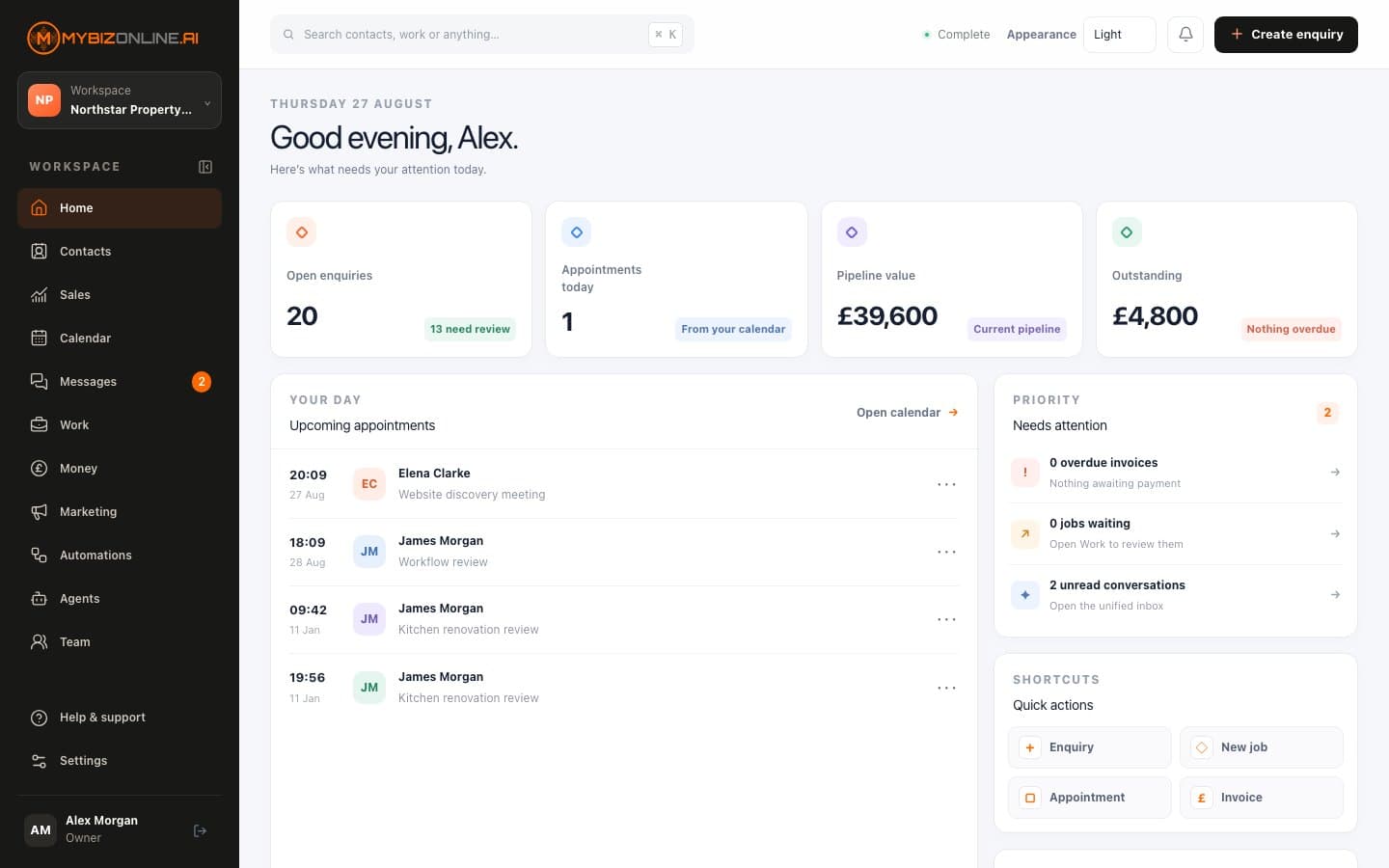
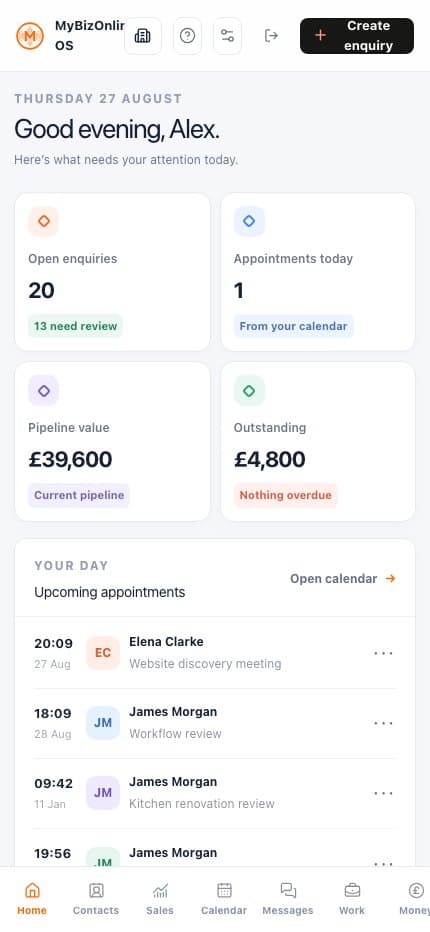
Enquiries, appointments, pipeline value and outstanding money come together in a calm daily view.
Explore MyBizOnline OS ↗Genuine MyBizOnline OS interface shown with fictional demonstration data. No production tenant data is used.
The interface is organised into clear workspaces. The buying journey is organised around what those workspaces help your business achieve.
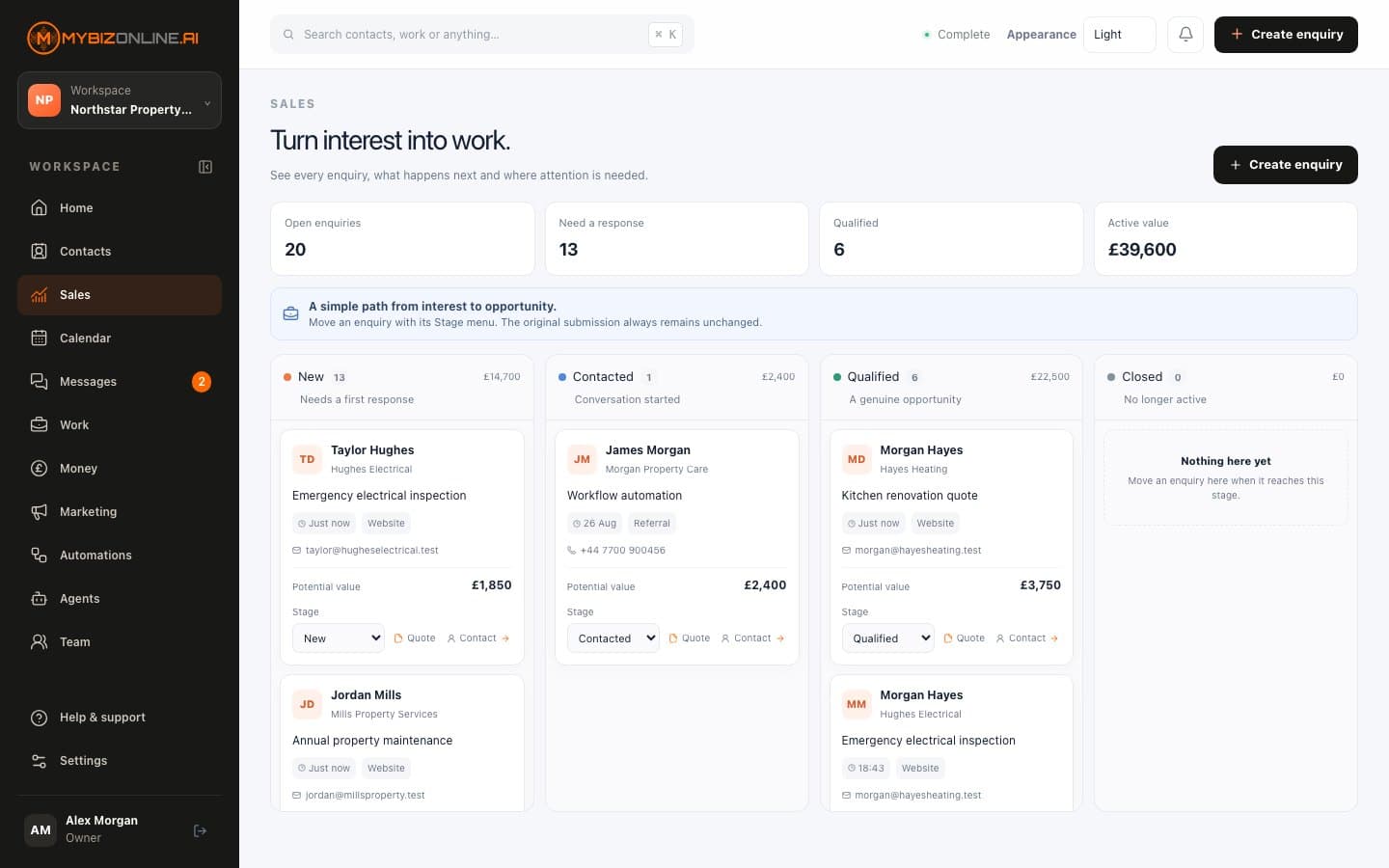
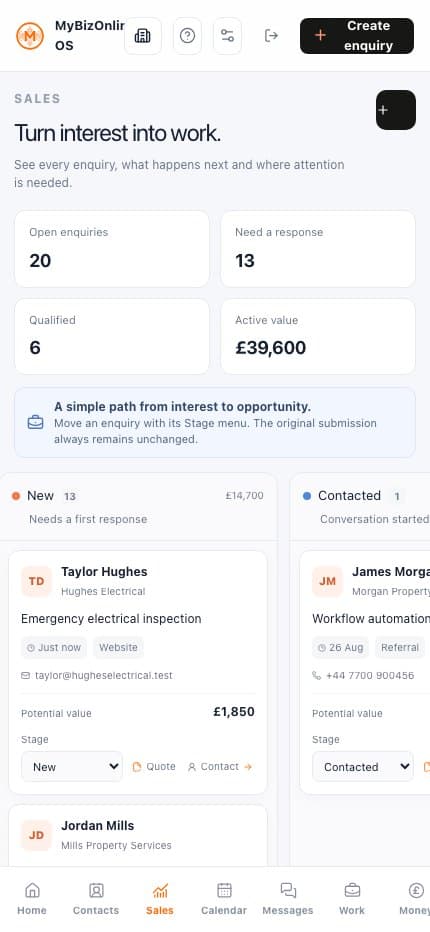
A new enquiry should arrive with its source and context intact. From there, ownership, follow-up and commercial value stay visible instead of scattering across inboxes and spreadsheets.
People, organisations and the customer context that makes the next conversation useful.
Enquiries, owned opportunities, pipeline stages, value and the next action.
Consent-aware audiences, forms, campaign preparation and revenue attribution.
Appointments make more sense when the customer, service and responsible person stay attached. Messages and team ownership remain close enough to act without reconstructing the day from memory.
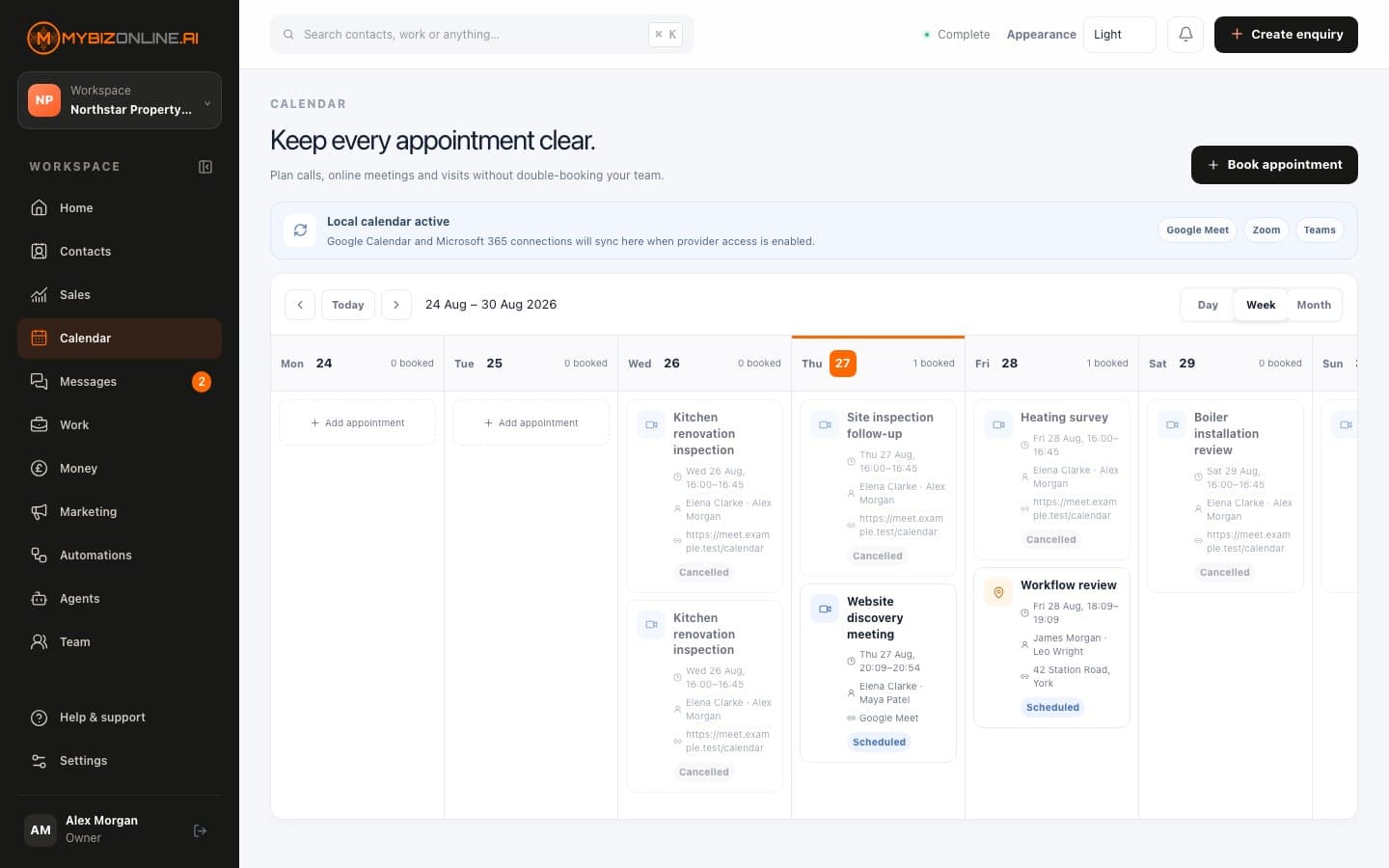
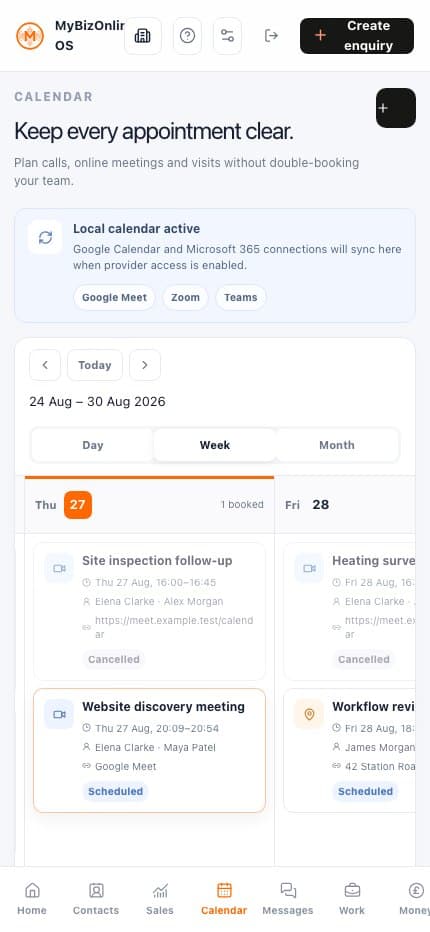
Appointments, responsibility, availability and conflict-aware planning.
Customer conversations, internal notes, ownership and honest unsent drafts.
Membership, roles and the work that needs the right person.
Bring us the part of the customer journey that currently loses time, context or opportunity. We will show you where MyBizOnline OS can make the work clearer.
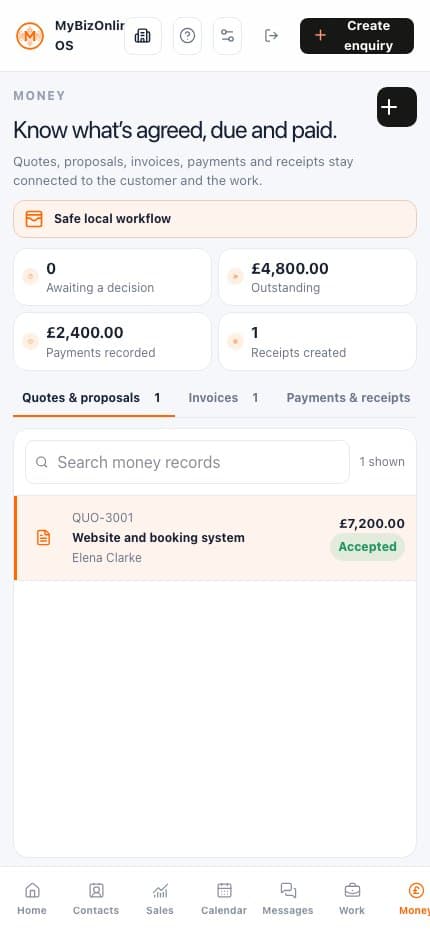
What was agreed should remain visible when a job is planned, delivered, invoiced and recorded as paid. That creates a clear commercial trail without asking the team to re-enter the same story.
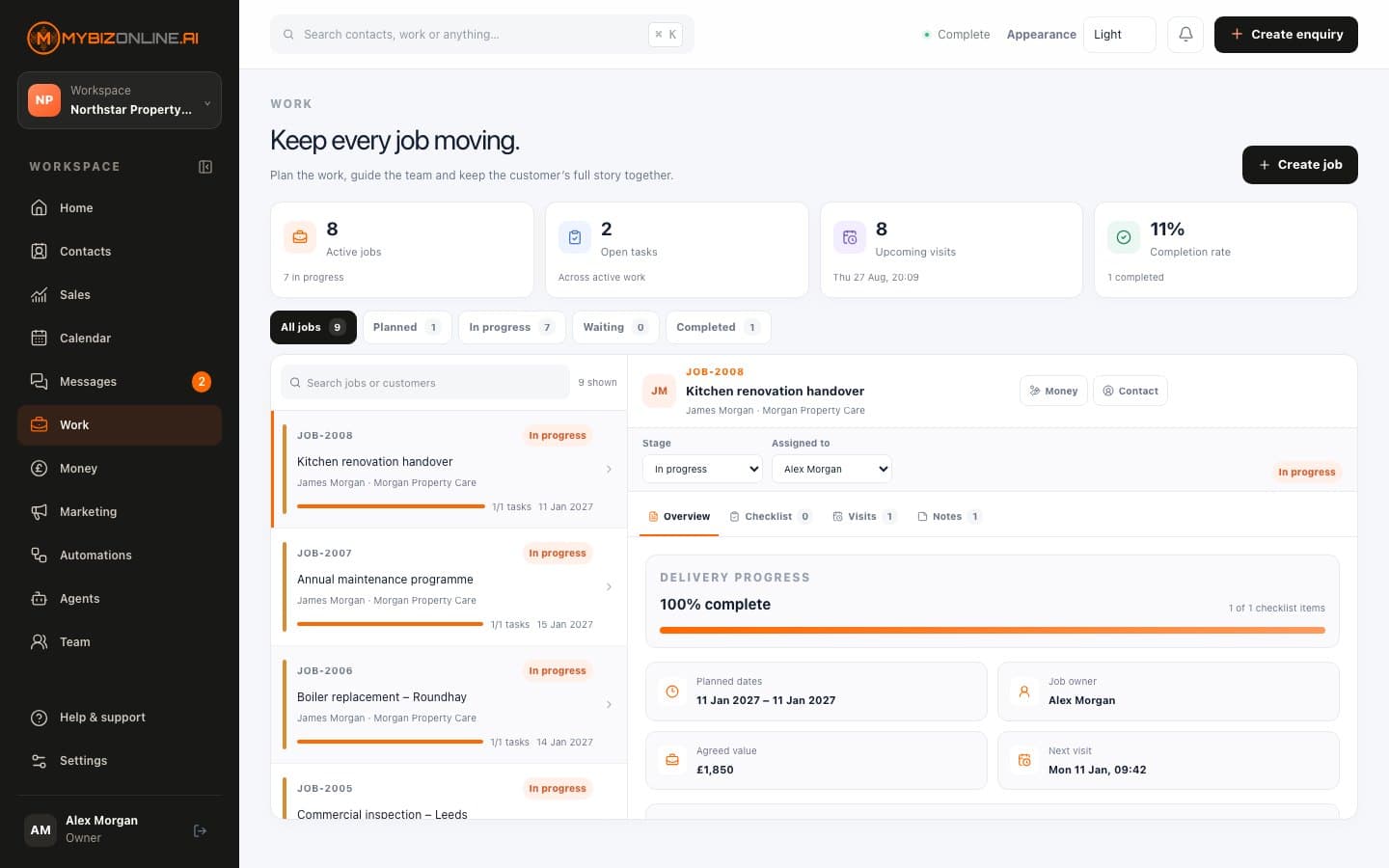
Quotes, jobs, visits, checklists and practical delivery progress.
Commercial documents, invoices, recorded payments and protected history.
Automations and agents are useful when their job, boundaries and history are visible. Settings keep business rules and provider status understandable instead of exposing infrastructure jargon.
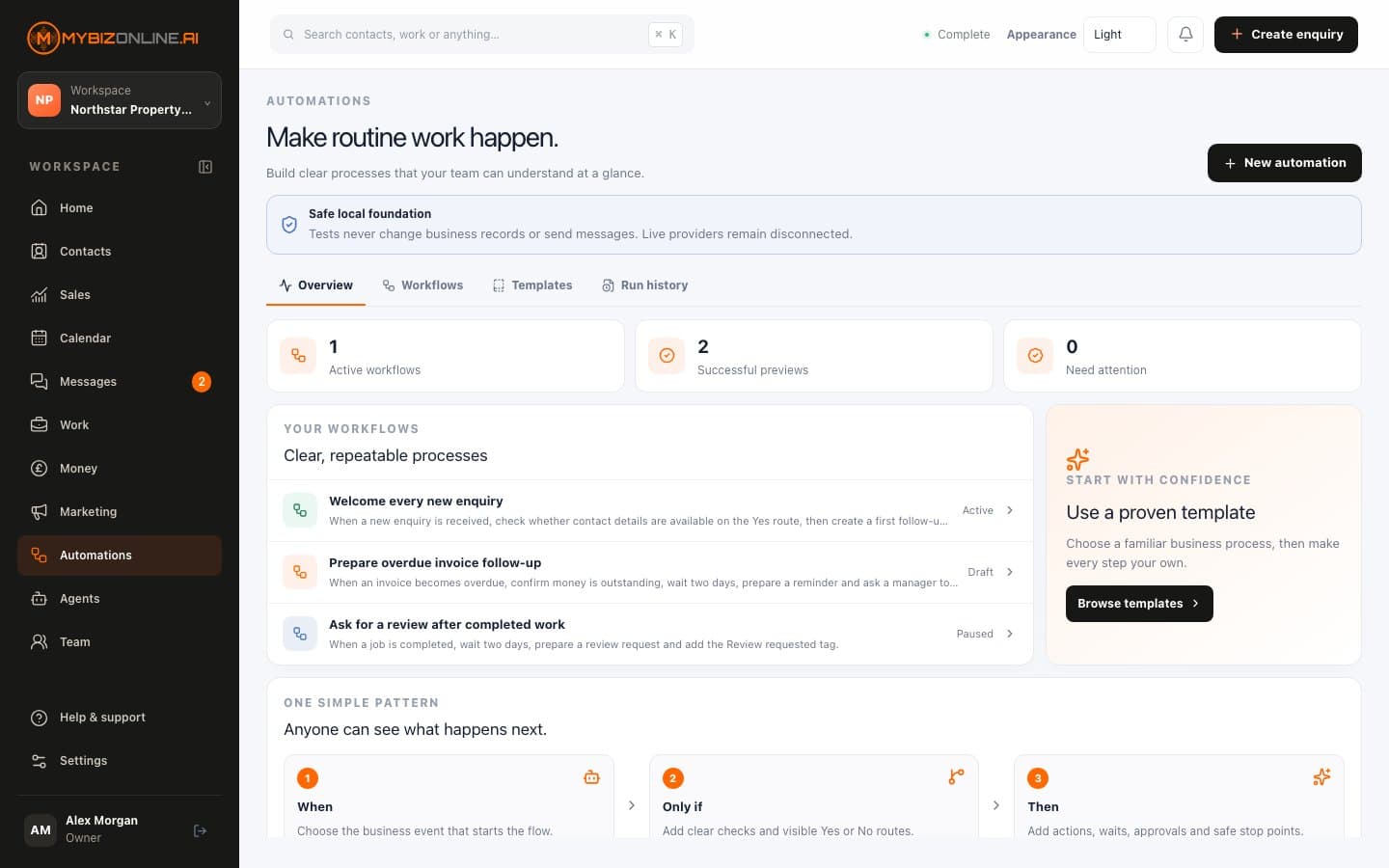
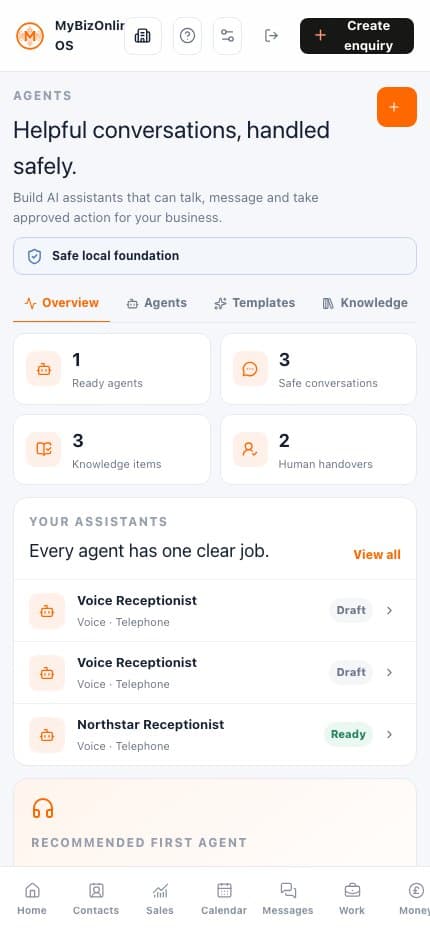
Versioned rules, conditions, waits, approvals and safe test history.
Governed roles, approved knowledge, explicit abilities and human handover.
Business preferences, permissions and honest connection status.
Useful capability and live external delivery are not the same claim. We keep that boundary visible.
It is designed to connect the core customer, sales, scheduling, work and money journey in one operating model. Whether it replaces every existing tool depends on your workflow and the external providers you need, which is why the trial starts with one real process rather than a blanket claim.
No. MyBizOnline OS is independently useful. A bespoke MYBIZONLINE.AI website can create a deeper acquisition-to-operations journey, but it is not a condition of using the operating system.
The local operating model covers customer records, work, commercial documents, recorded payments, campaign preparation, automation definitions and agent controls. Live delivery, telephony, external calendar synchronisation and provider payment collection are only described as connected after the relevant integration is approved and tested.
Choose one workflow that currently loses time, context or opportunity. Create your workspace and use the 14 days to follow that journey through the product. Your selected monthly or annual subscription starts after the trial unless you cancel first.
Choose the customer journey your business most needs to improve. Use it to shape a useful starting point.
Monthly and annual billing are available. No subscription charge is taken today; the selected plan starts after 14 days unless cancelled.Start with the journey that most needs to improve.
Choose a plan, billing interval and add your card securely.
Use the live product; cancel before day 14 if it is not right.